PADEL ON Quick setup guide
Back to getting started

Setup guide

Powering on the device

Follow these steps to connect the battery to the display and power your device correctly.

01

1. Identify your components

Keep these parts nearby

Follow these steps to connect the battery to the display and power your device correctly.
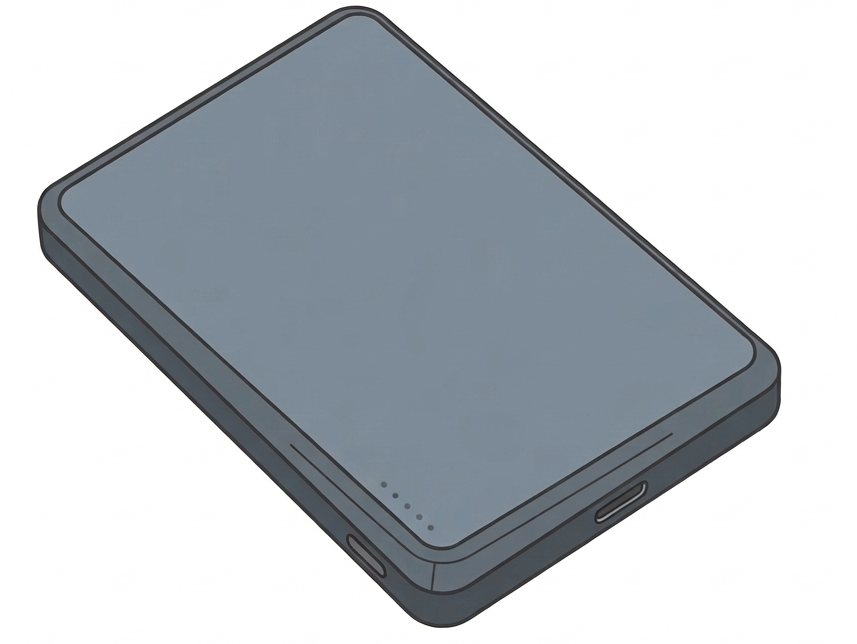
Device battery Battery

The main power unit.

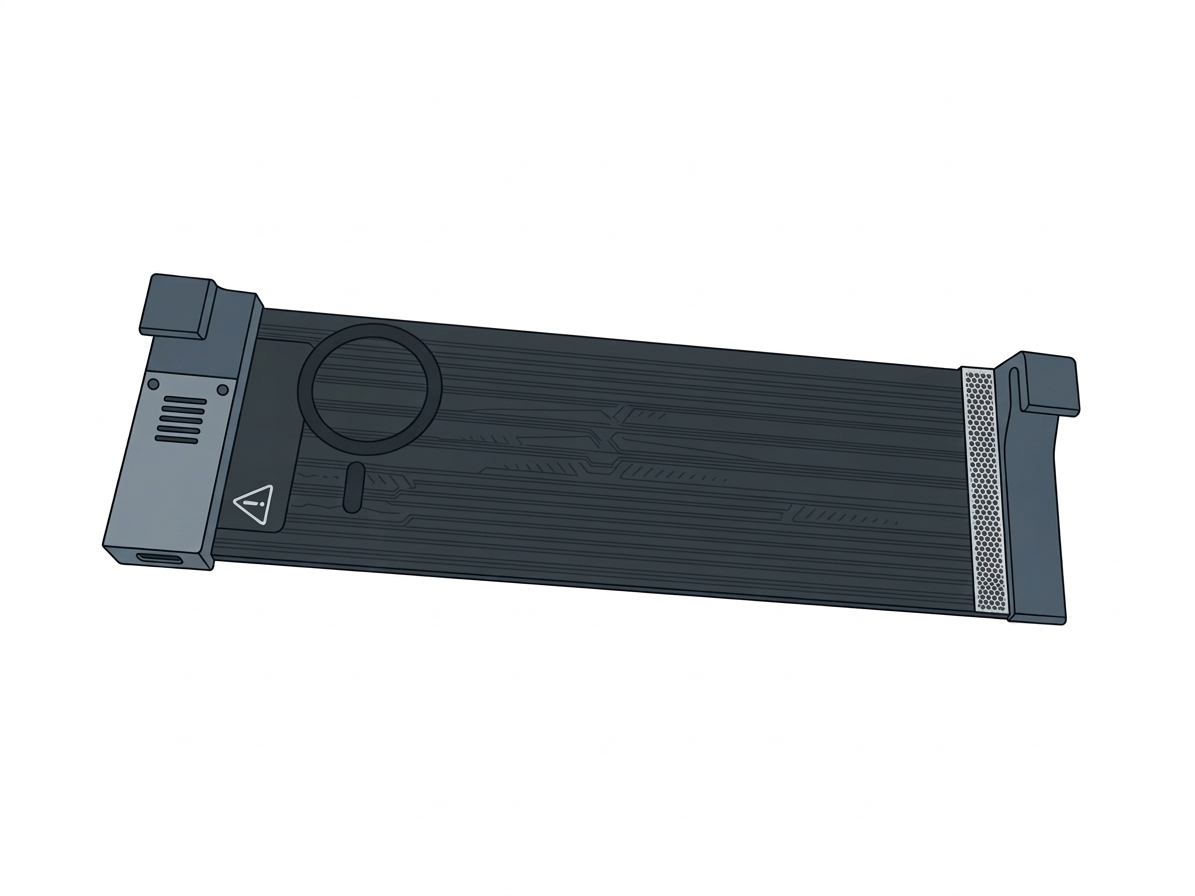
Device display Display

The device that needs power.
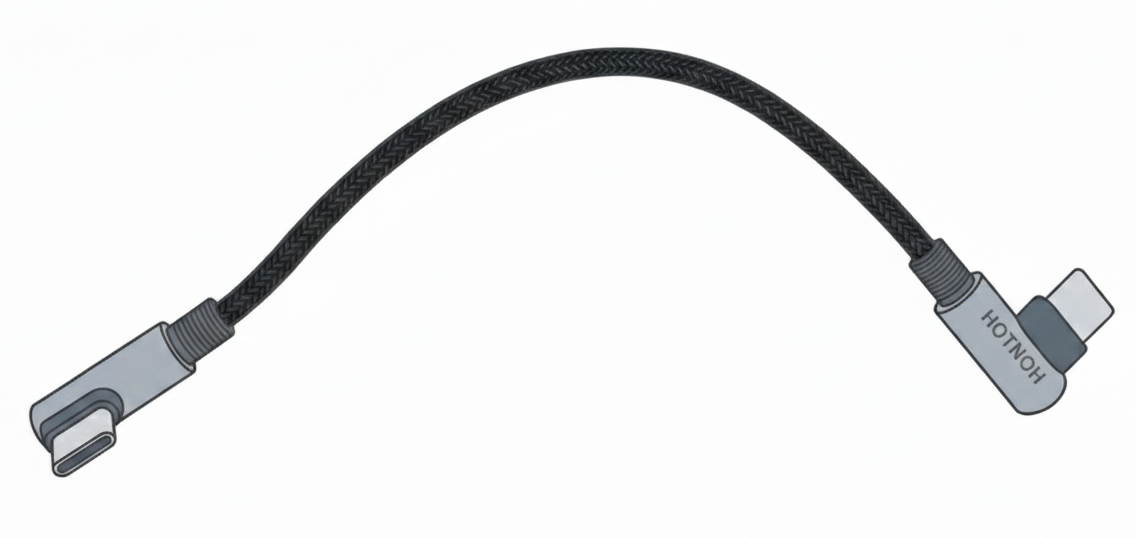
USB-C cable USB-C cable

The connection bridge between the battery and the display.
02
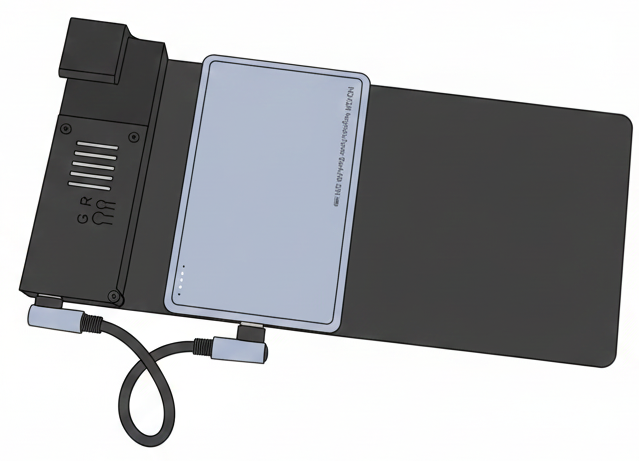
Battery ready to attach to the back of the display

Magnetic connection

Attach the battery to the back of the display

Place the battery on the back of the display. The magnetic connection system will align automatically.

Make sure the battery sits firmly and centered on the display base.

03

Cable connection

Make the power connection

A

Step A: Insert one end of the USB-C cable into the designated port on the battery.

B

Step B: Insert the opposite end of the cable into the matching port on the display.

USB-C cable used to connect the battery and the display

Verify the assembly

Compare the result with the reference image

Check that the cable is fully inserted into both ports and that the battery is securely attached magnetically.

Final composition of the device assembled correctly
Expected final assembly

Once complete, the assembly should match the setup shown in the instruction image.

Troubleshooting note

If the device does not power on immediately, confirm that the battery has charge by checking the LED indicators on the battery unit.